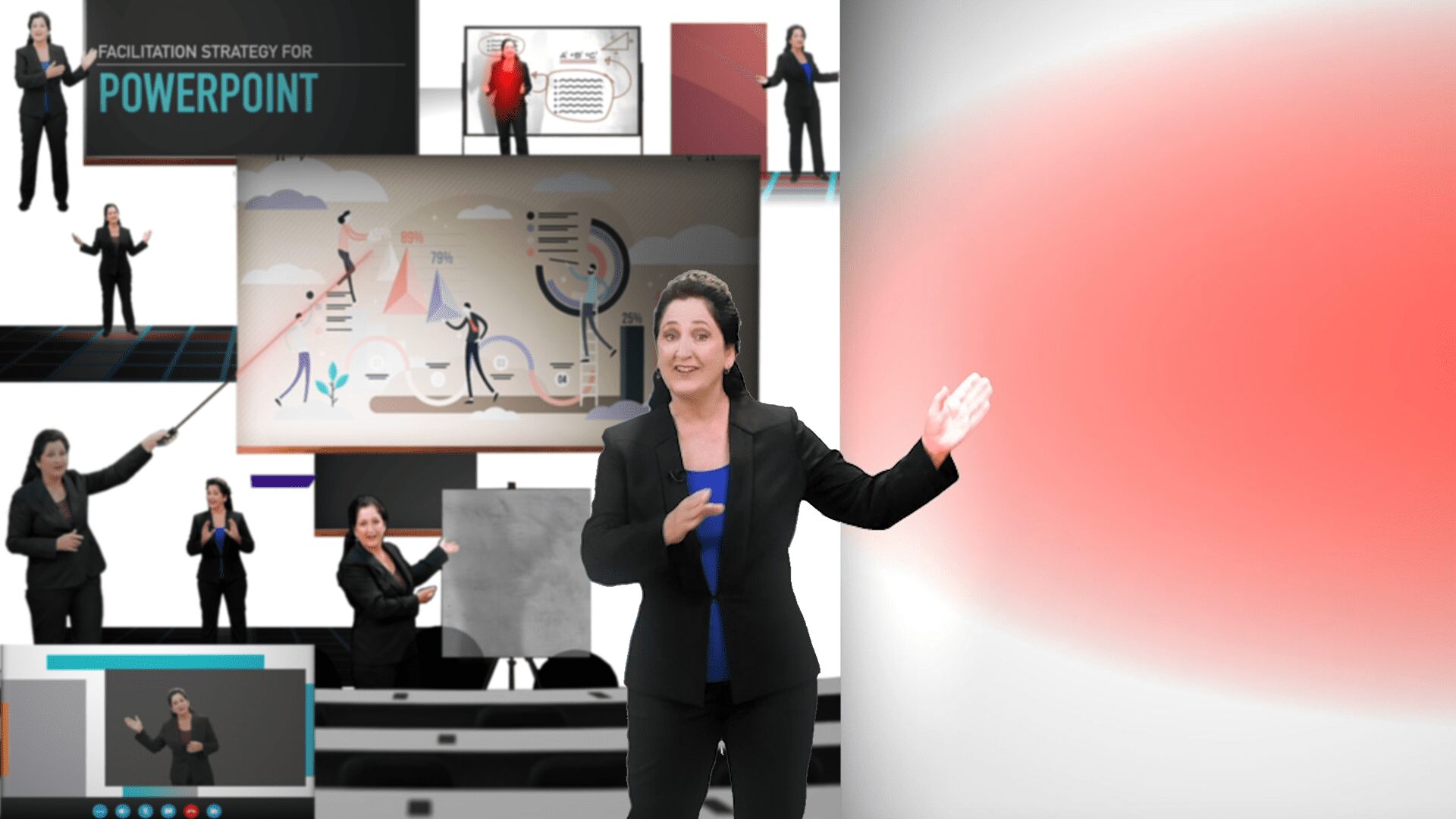
Professional and educational lives are full of presenting, teaching, demonstrating, keynote speaking, reporting and that means interacting with screens and displays. This course breaks down specific and deliberate use of tools from the Foundation Materials that you can select from to effectively manage, integrate or facilitate for your audience what is on your screen or display.
Professional and educational lives are full of presenting, teaching, demonstrating, keynote speaking, reporting and that means interacting with screens and displays. This course breaks down specific and deliberate use of tools from the Foundation Materials that you can select from to effectively manage, integrate or facilitate for your audience what is on your screen or display.
Professional and educational lives are full of presenting, teaching, demonstrating, keynote speaking, reporting and that means interacting with screens and displays. This course breaks down specific and deliberate use of tools from the Foundation Materials that you can select from to effectively manage, integrate or facilitate for your audience what is on your screen or display.
Professional and educational lives are full of presenting, teaching, demonstrating, keynote speaking, reporting and that means interacting with screens and displays. This course breaks down specific and deliberate use of tools from the Foundation Materials that you can select from to effectively manage, integrate or facilitate for your audience what is on your screen or display.
Professional and educational lives are full of presenting, teaching, demonstrating, keynote speaking, reporting and that means interacting with screens and displays. This course breaks down specific and deliberate use of tools from the Foundation Materials that you can select from to effectively manage, integrate or facilitate for your audience what is on your screen or display.